From idea to invitation in five steps
Eloria walks you through every part of creating a wedding invitation — design, wording, preview, and sending.
Start creating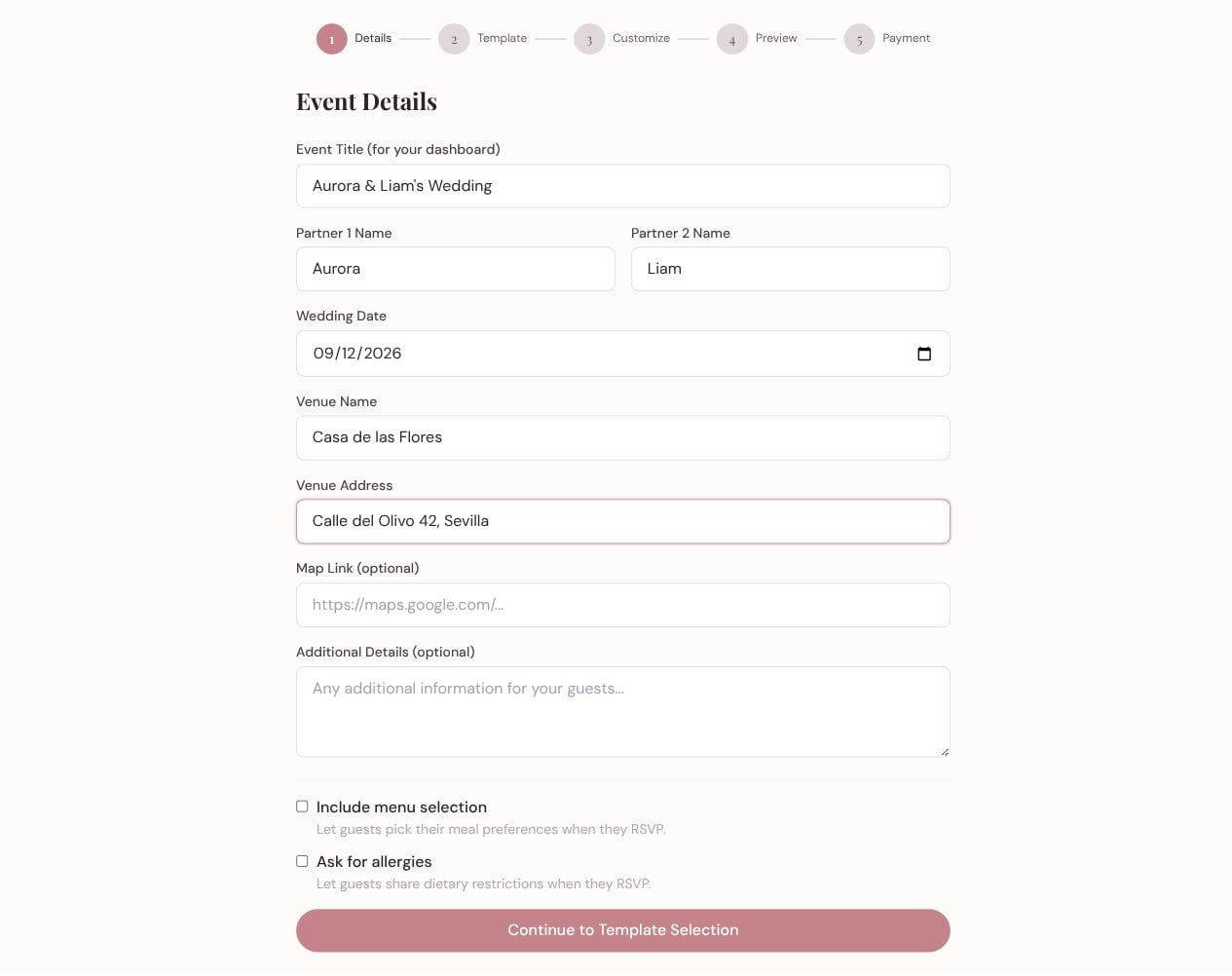
Tell us about the day
Couple names, date, venue. Optionally let guests pick a menu or share allergies — those choices flow straight into their RSVP.
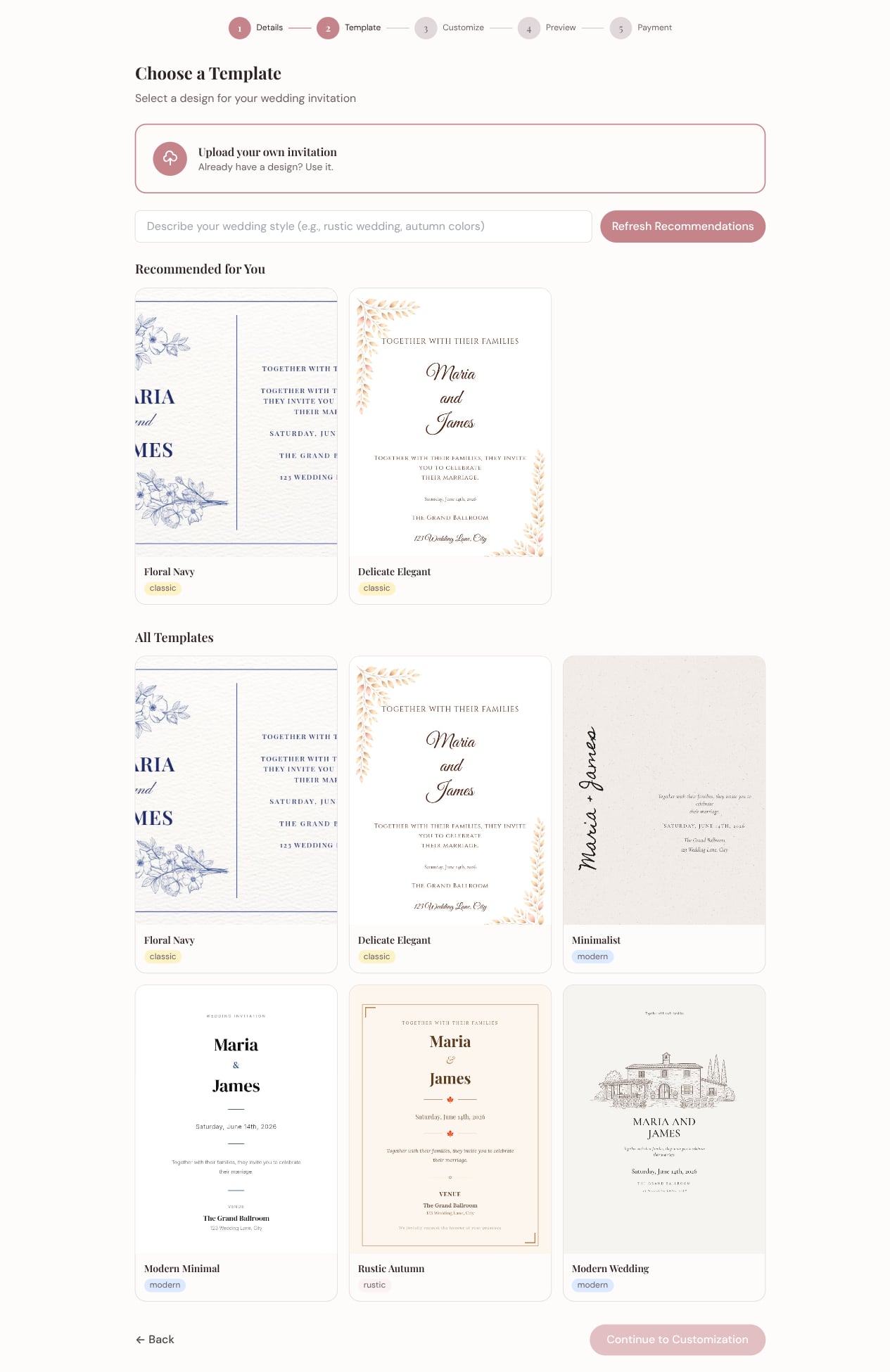
Pick a template, or upload your own
Describe your style and let AI surface the templates that fit. Or skip ahead and upload a design you already have.
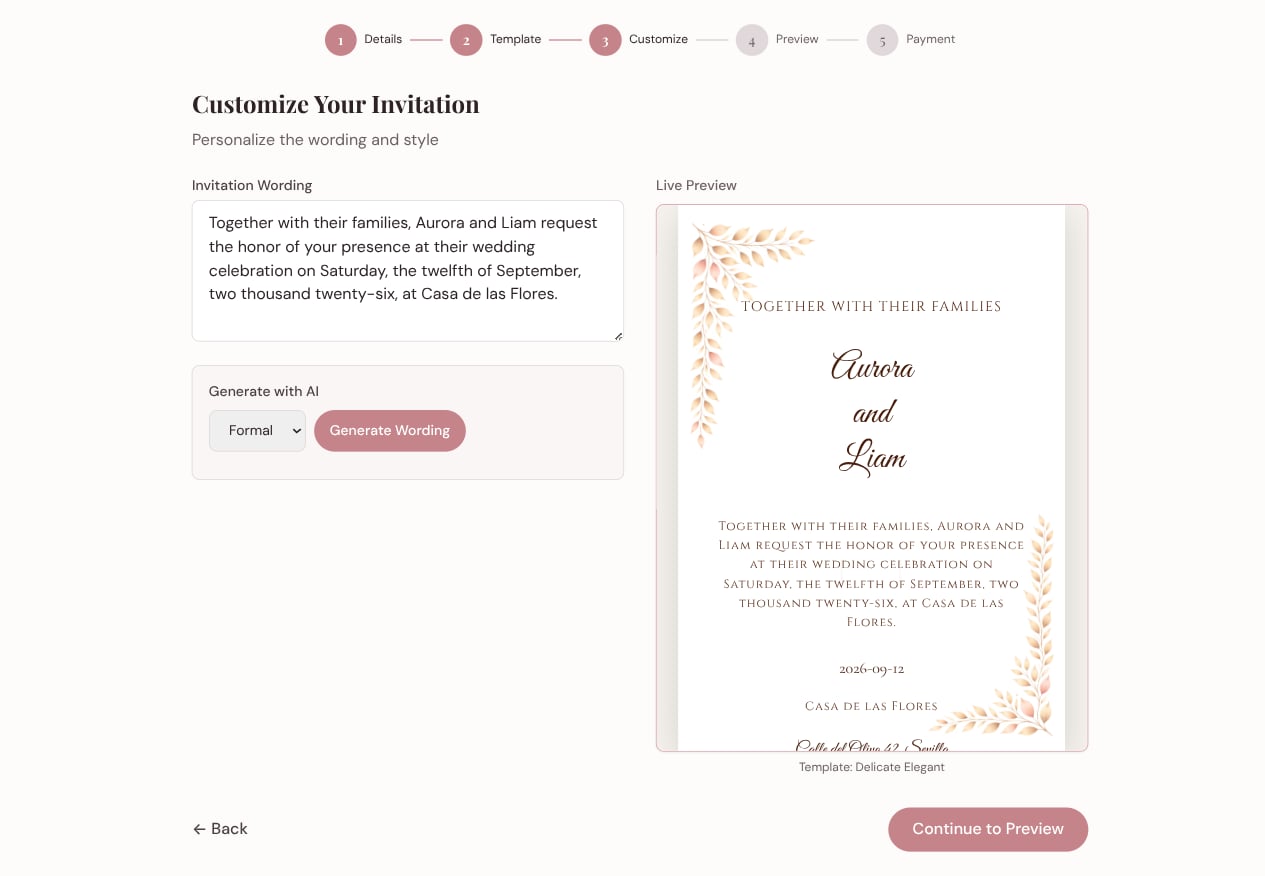
Make the words yours
Write the wording, or let AI generate variations in your chosen tone — formal, casual, poetic, funny. The live preview updates as you type.
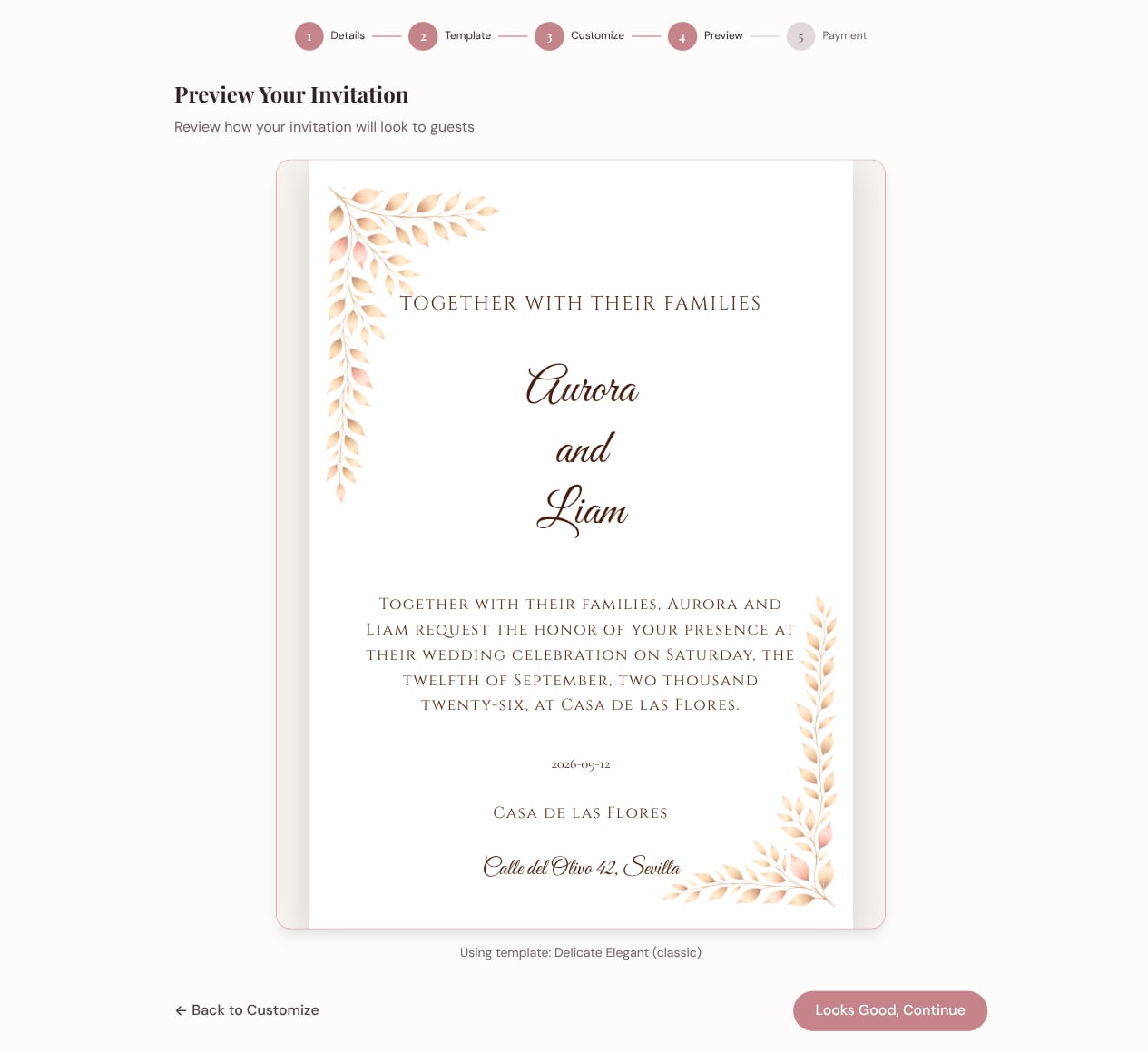
See exactly what guests will see
Review the finished invitation in full before anything is published. Step back and tweak if anything feels off.
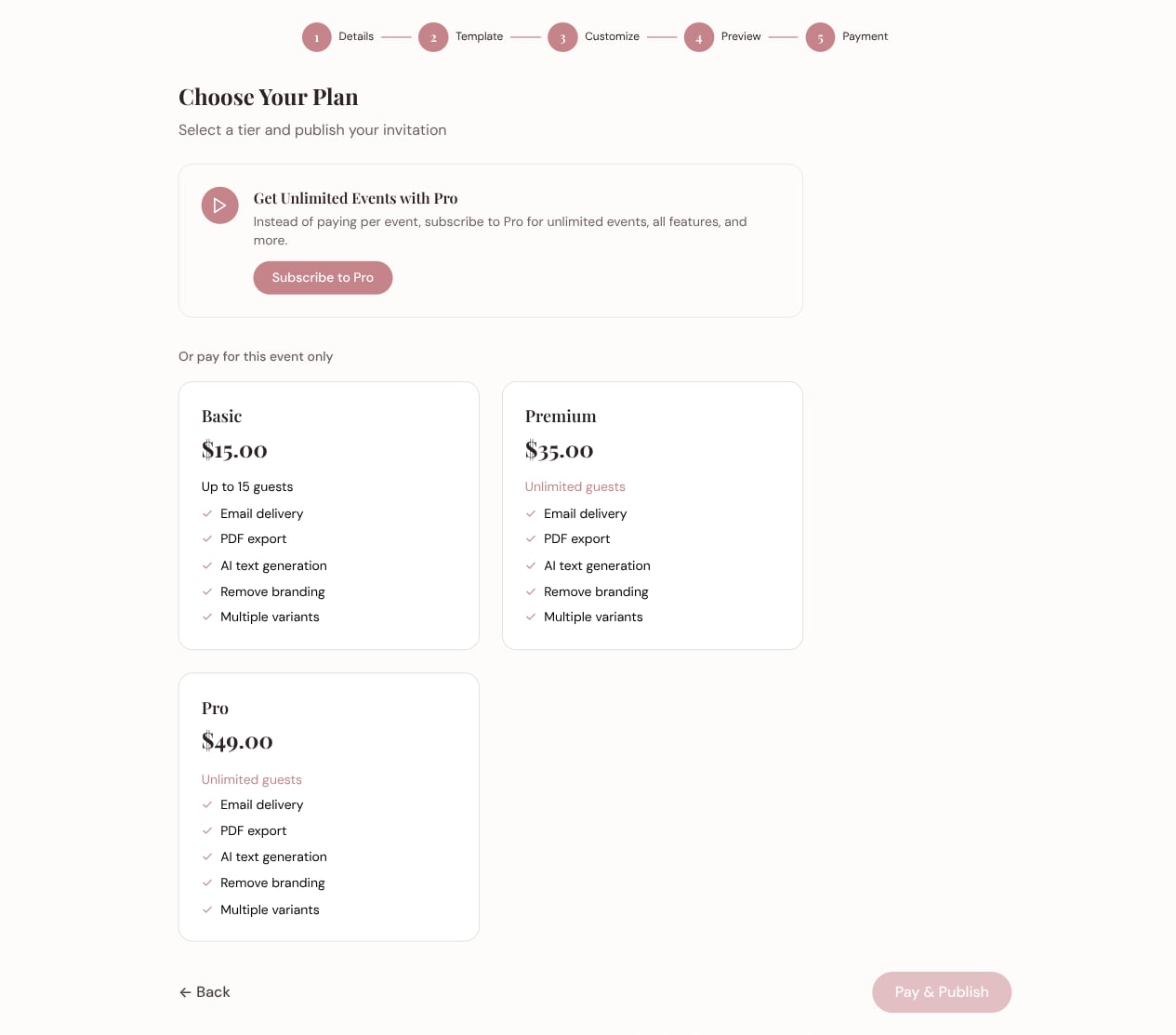
Publish and share
Pick a plan that fits your event size, then send invites by link, email, or PDF — and track RSVPs from your dashboard.
Invite with intention
Create your first invitation in a few minutes — no design experience needed.
Get started free